

Hey hey! Before we get to the nice parts, Alpha 11 needs a slightly awkward introduction.
We shipped it earlier than planned because vulnerabilities and structural problems were knocking the servers offline. The fixes touched most of the backend and couldn't be peeled off into one neat hotfix.
That early release broke some important things—including basic new-member setup—and left mobile and parts of the API less consistent than before. It sucked! We've spent the weeks since fixing urgent failures, then fixing the quick fixes.
Enough yapping. Here's the good stuff:
ui stuff
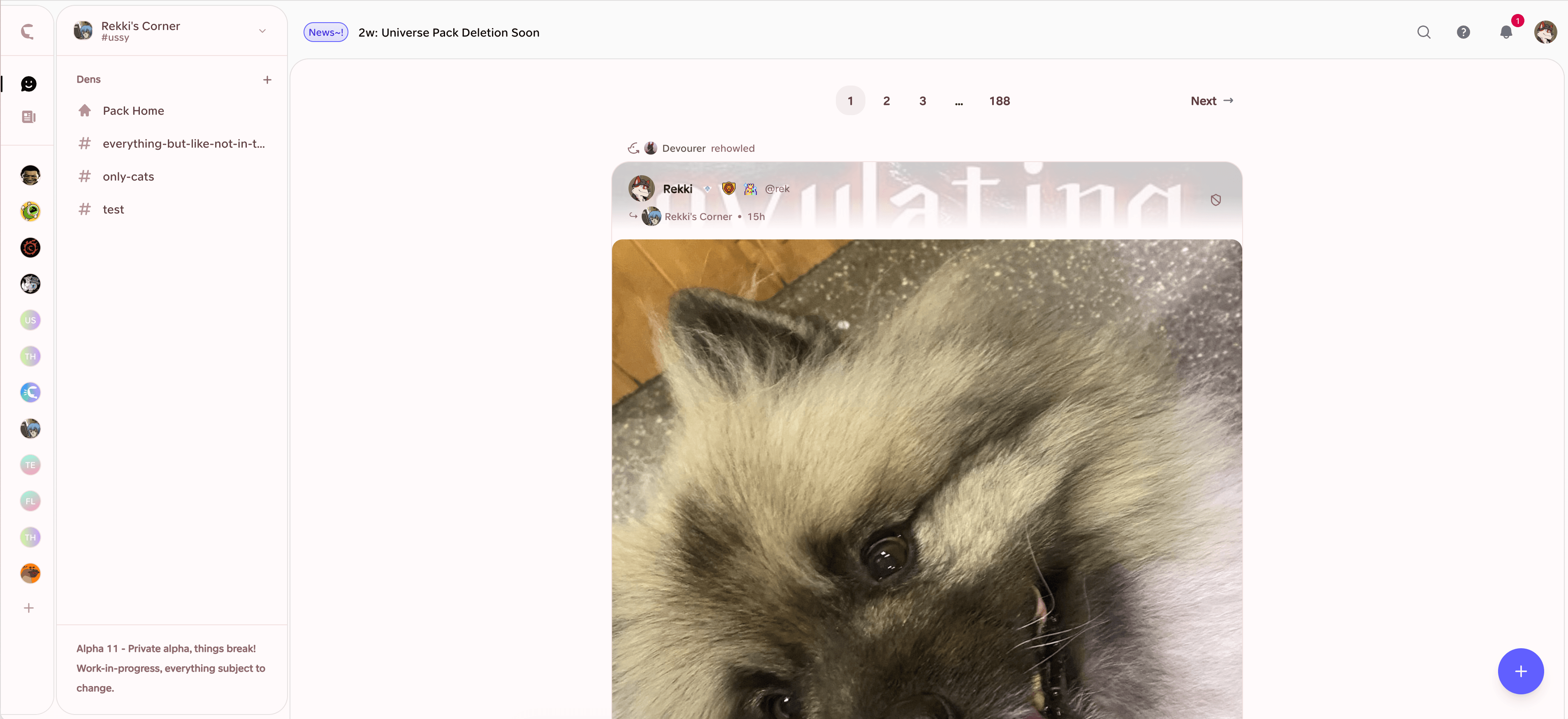
The interface now has distinct areas for your Packs, each Pack's pages and dens, and the content you're looking at. Tabs proved hard to explain, so Packs have settled into the left sidebar for now. You can also use custom CSS across the whole interface instead of being fenced into the middle.
howls got more stuff
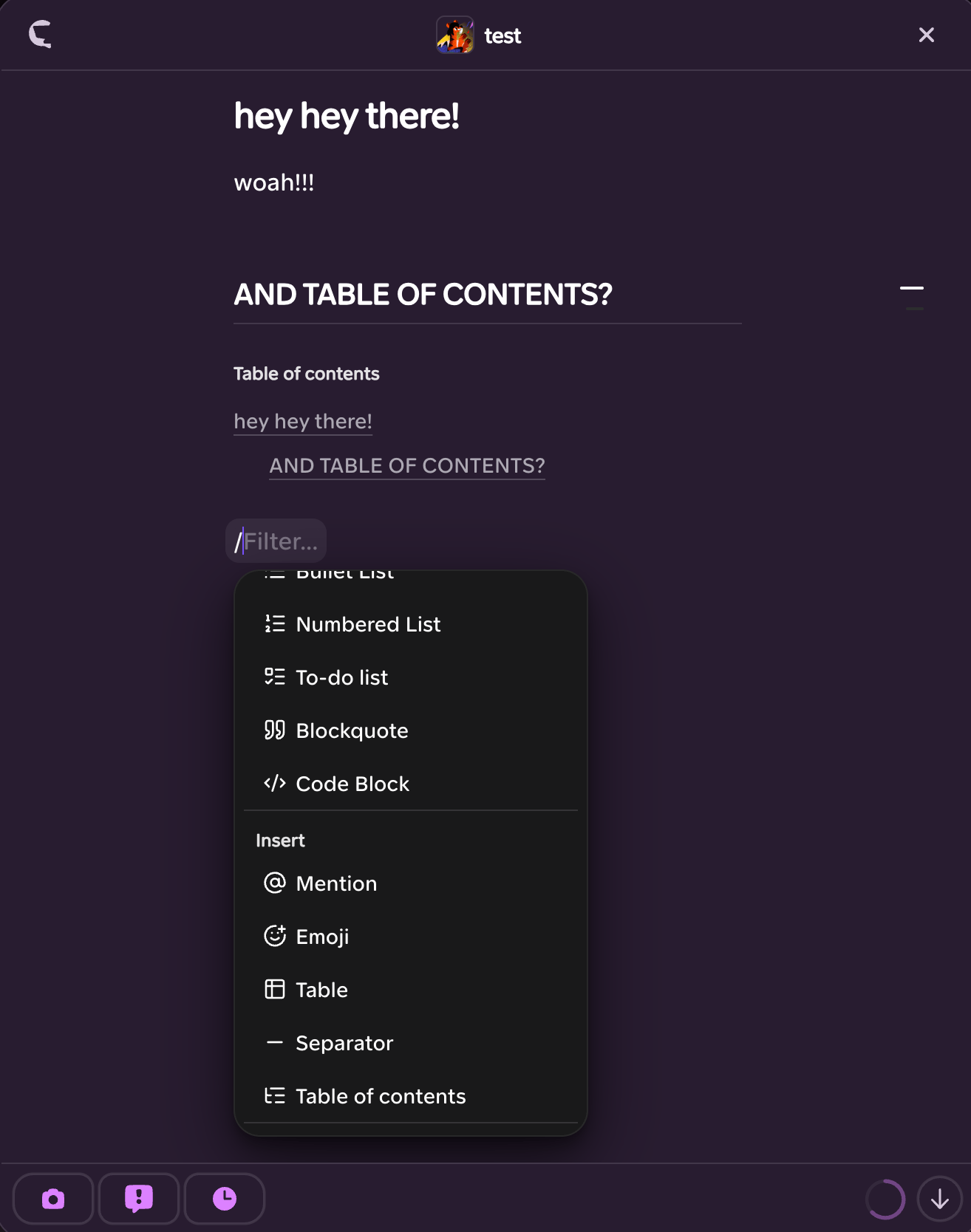
We've rebuilt the Howl editor for more interesting ways to say your piece. You can indent text, set background and text colours, and add proper hyperlinks.
We tried putting custom CSS inside Howls too, but supporting it properly would steal too much time from profile, Pack and page customisation. It's off the table for now.
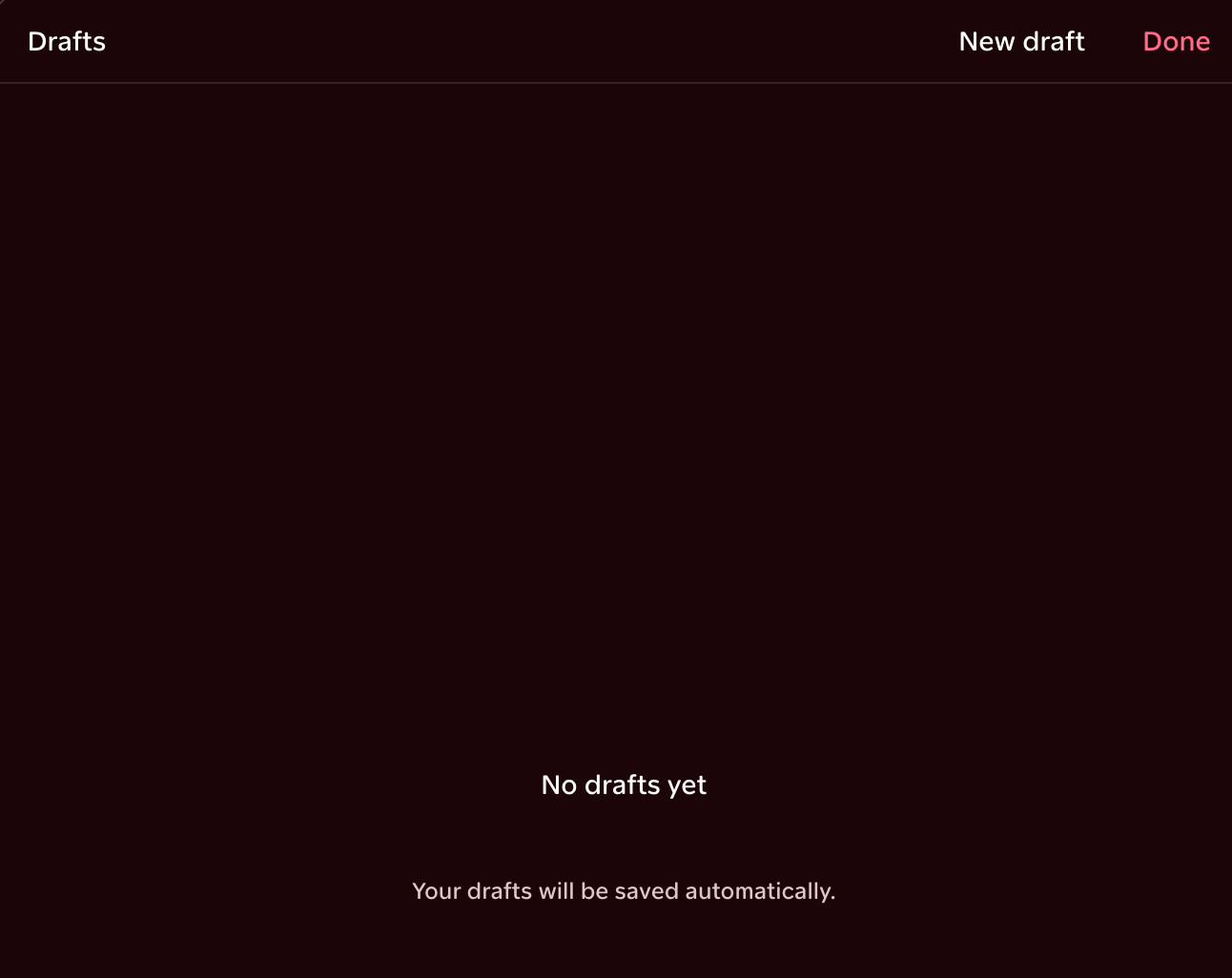
You can save drafts now. Draft text stays put; draft assets have a 14-day shelf life.
quote rehowls!!
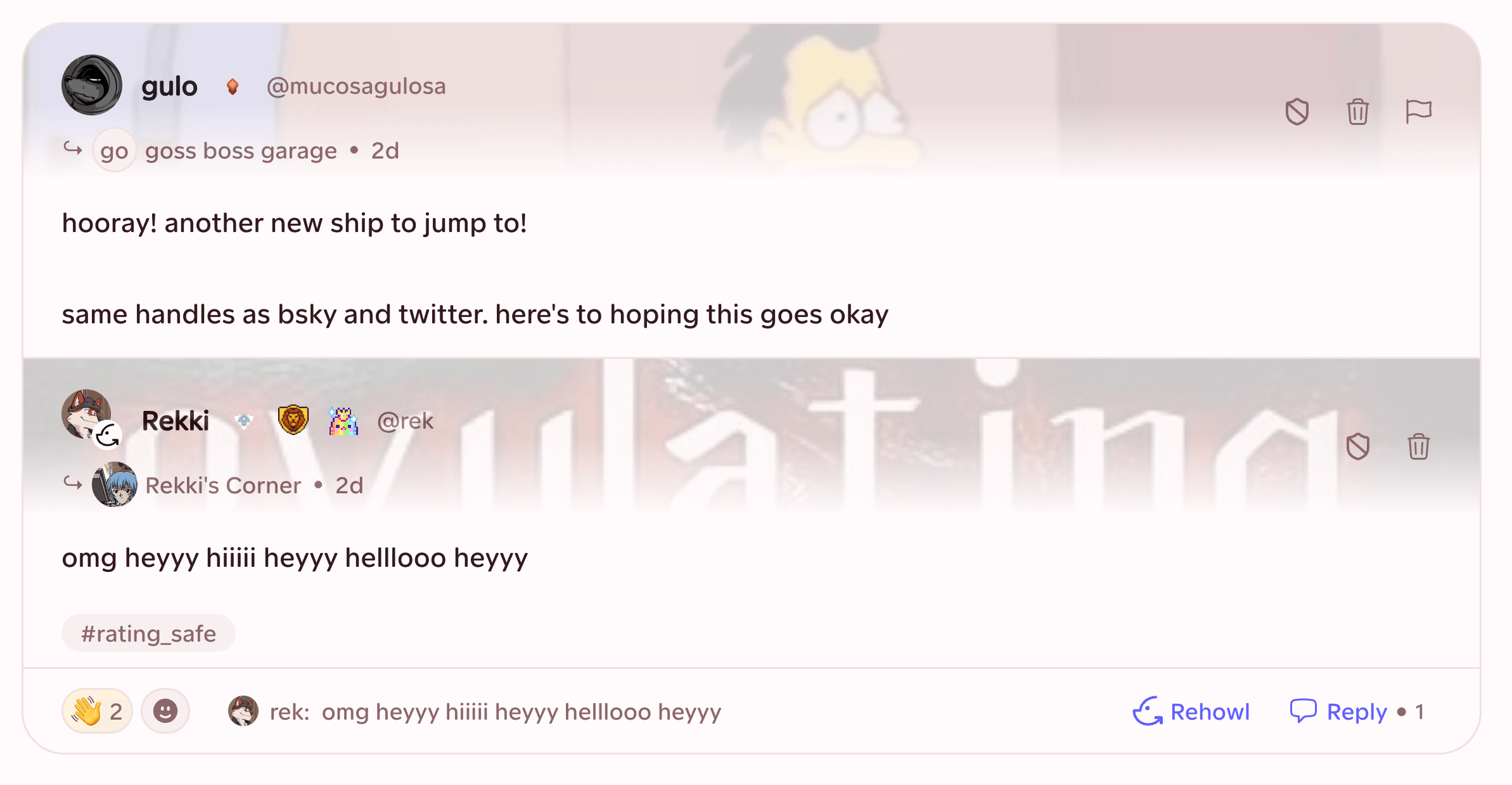
Rehowls can have comments now. Choose Rehowl -> With Comment, add whatever context you need and we'll still boost the original Howl to your followers and Default Pack.
Reactions and replies on your version flow back into the original chain, no matter which version somebody is looking at. If you use Tumblr, it works much like a reblog with commentary. Who up Howling it, etc.
imports, colours and reports
After a long wait, our supported Bluesky migration is here. You can bring over supported content without sharing your password or trusting an external tool.
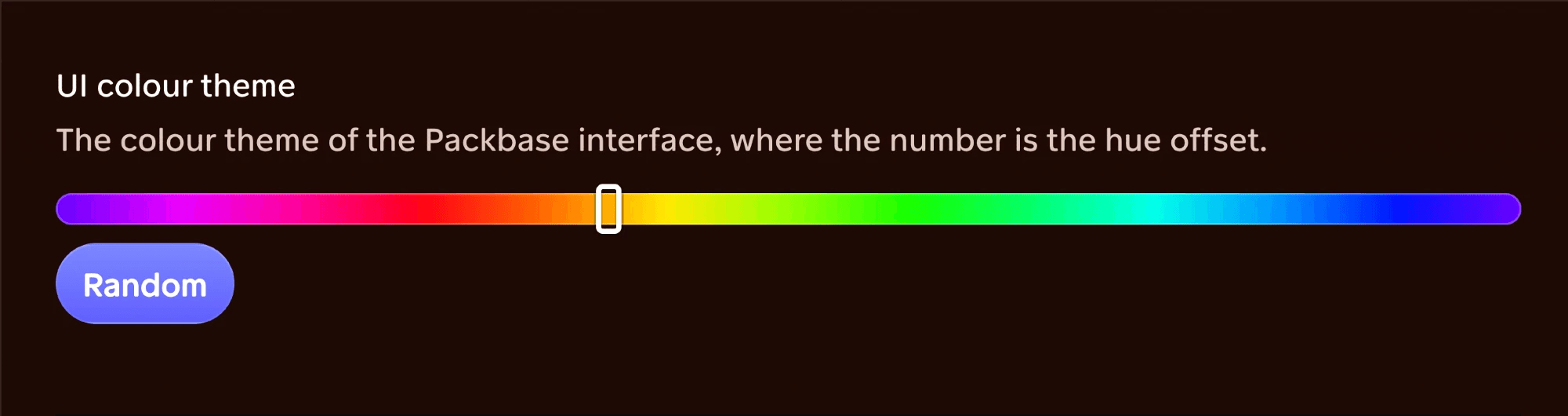
We've also moved basic colour changes out of custom CSS. Head to Profile Settings -> Appearance -> UI Hue and choose whatever you like.
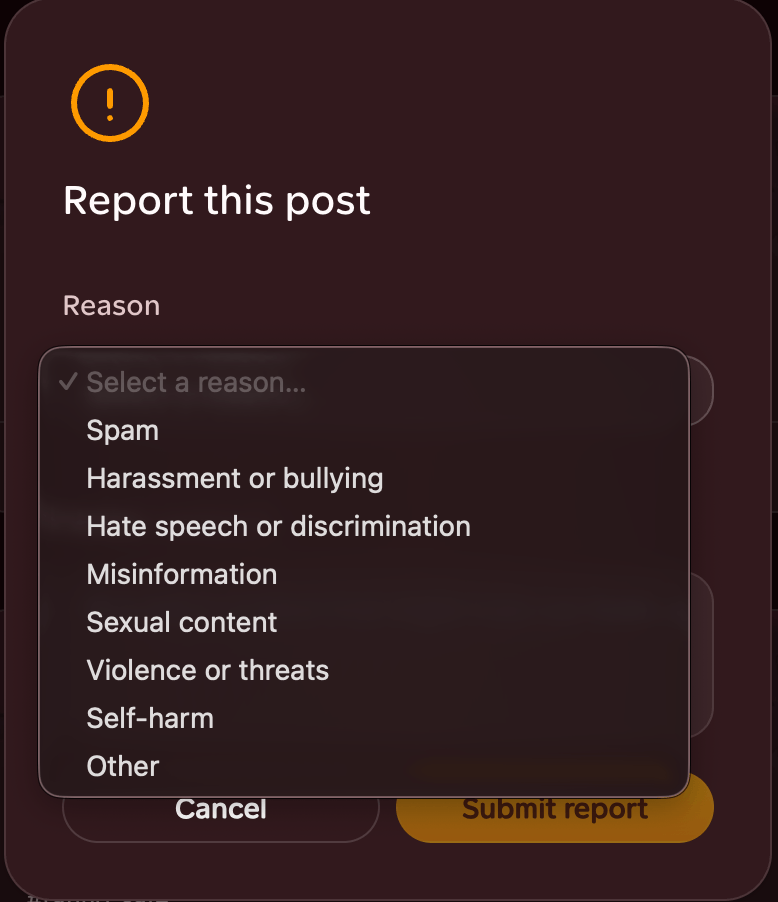
If something needs our attention, you can report a Howl from its top-right menu or a Pack from its top-left menu.
And yes, we actually read the free-form Other reports instead of telling you to block them and get lost. Thanks for helping us out!
gallery search (finally-ish)
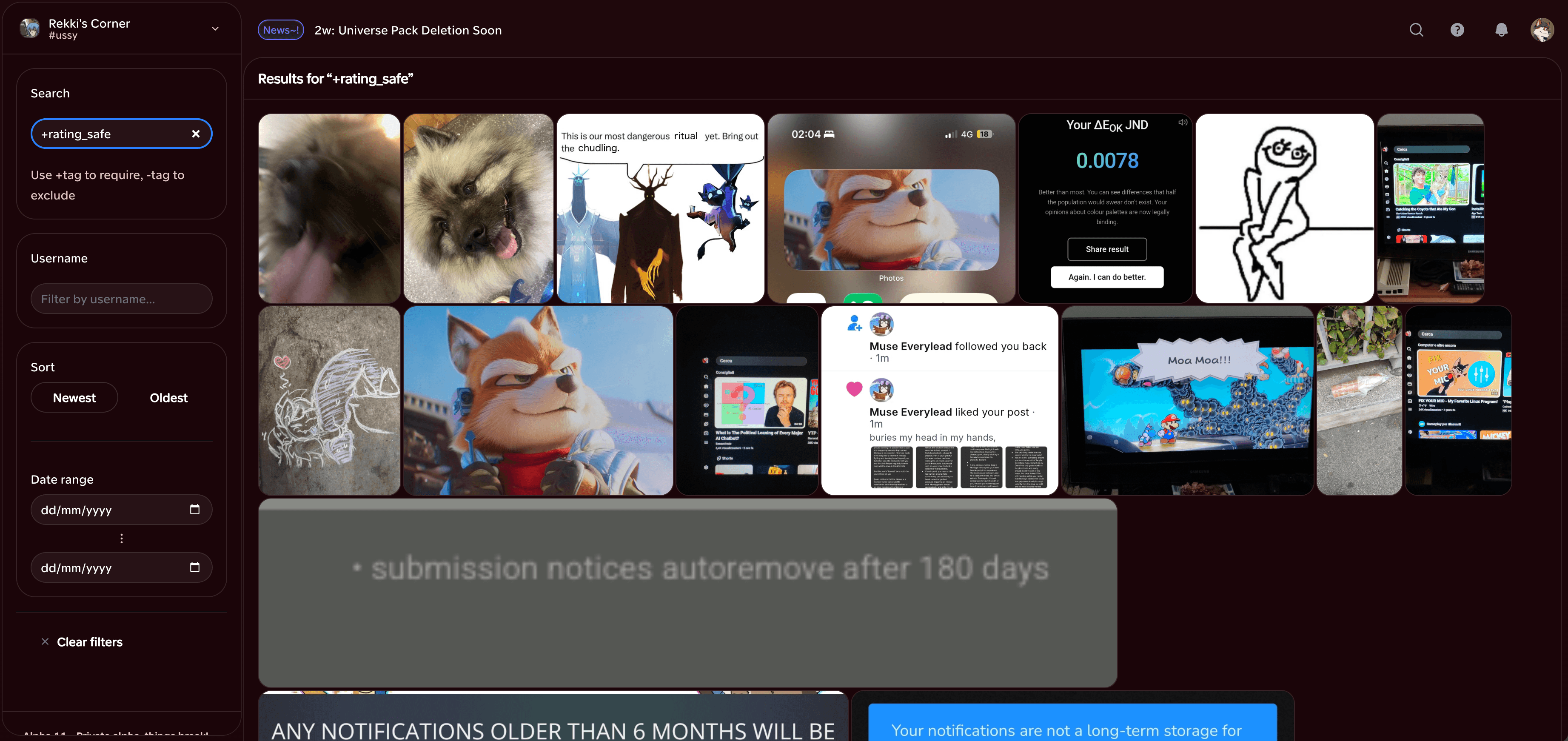
You can search Packbase's assets with tag expressions—+include, -exclude and groups such as ~either ~of—or use ordinary fuzzy text.
This is an incomplete first pass, and we know it. We're juggling a few larger problems, but gallery search will get a friendlier face.
notifications, but quieter
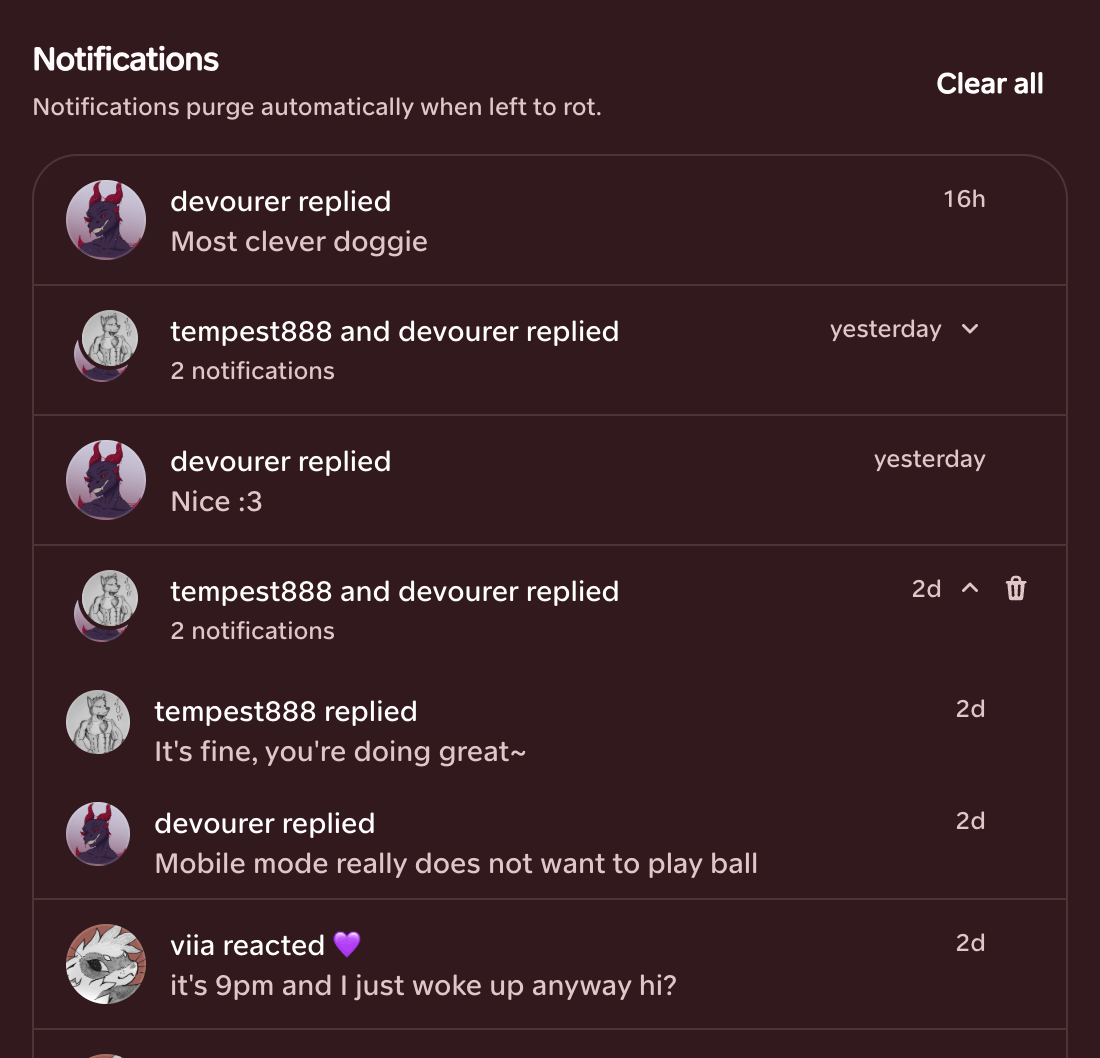
Similar notifications now collapse into groups, and we'll automatically clear out old ones. The unread counter becomes a plain dot instead of climbing past 99+.
If you need a number to go up, XP and the leaderboard are right there.
the feed experiment
Packbase is built around a pretty simple idea: you should mostly talk with your friends, their friends, and so on. The further something hops between circles, the less of it you'll see.
A new Labs setting lets you test that idea in the feed. It stays chronological, but shows content based on social distance. You can still reach somebody outside it through an exact profile link or username search.
This won't suddenly replace Everything, don't worry. If it works out, new accounts will still start there and slowly move towards their own network as they follow people, make mutuals and join Packs. There'll still be a way to see all of Packbase later.
Turn it on under User Avatar -> Manage Profile -> Labs. You can switch it off whenever you like, and it shouldn't break anything. Hopefully.

a bunch of settings
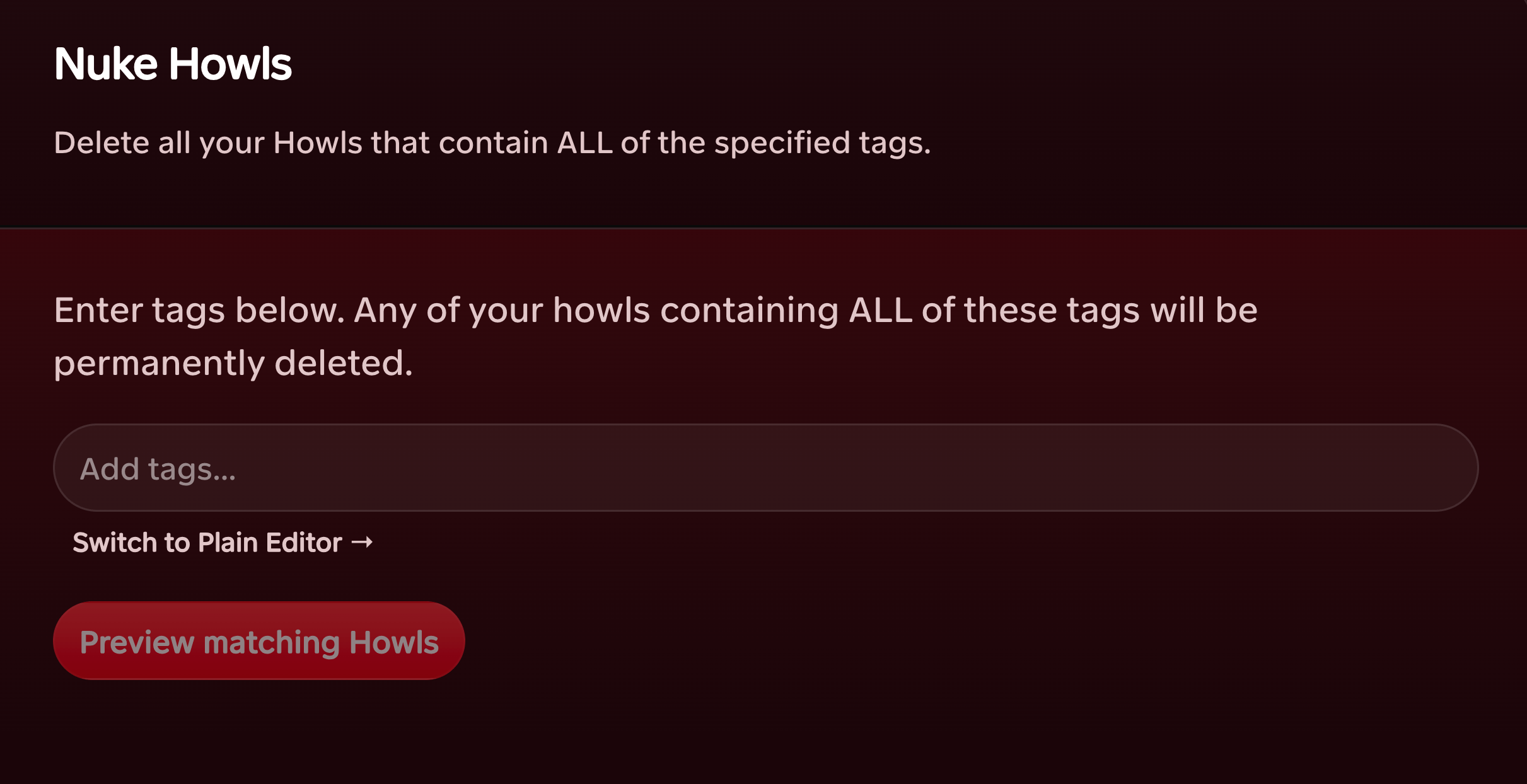
You can now delete your own Howls in bulk by tag. It's called Nuke Howls. Does what it says.
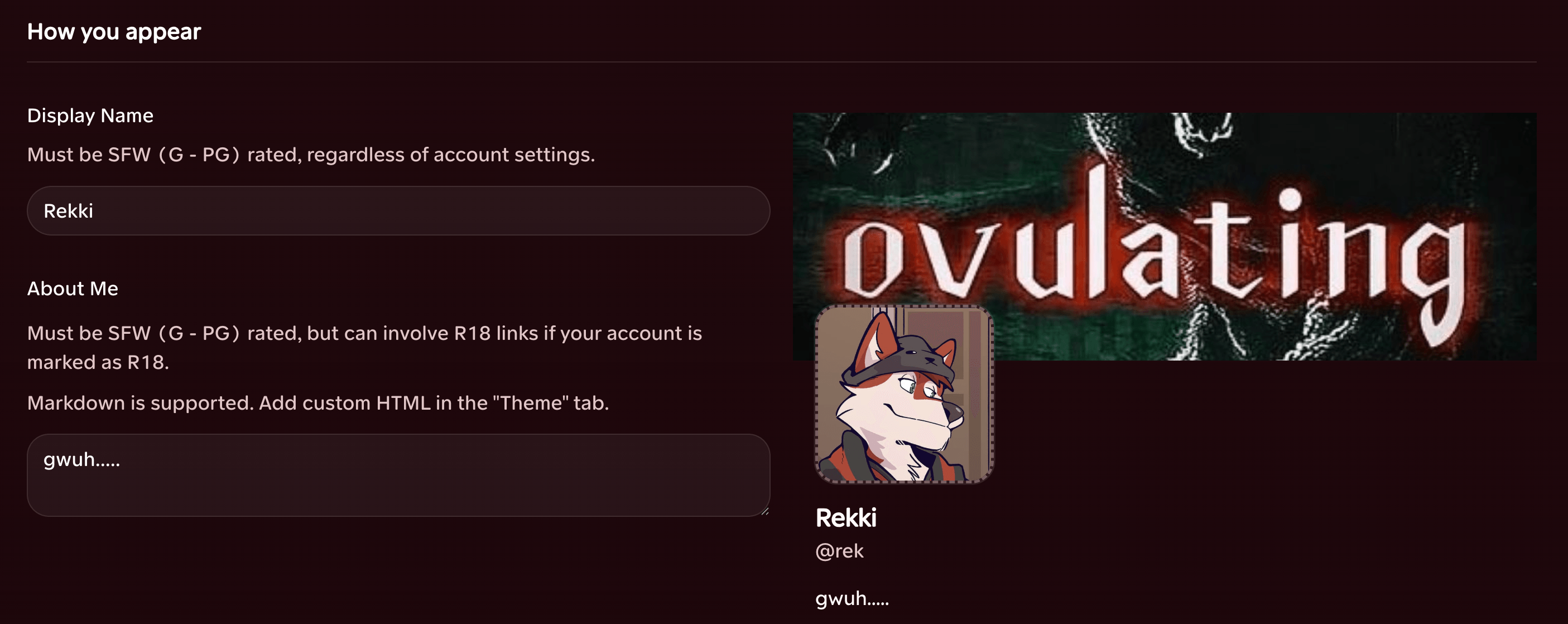
Profile settings now show a live header preview before you commit anything.
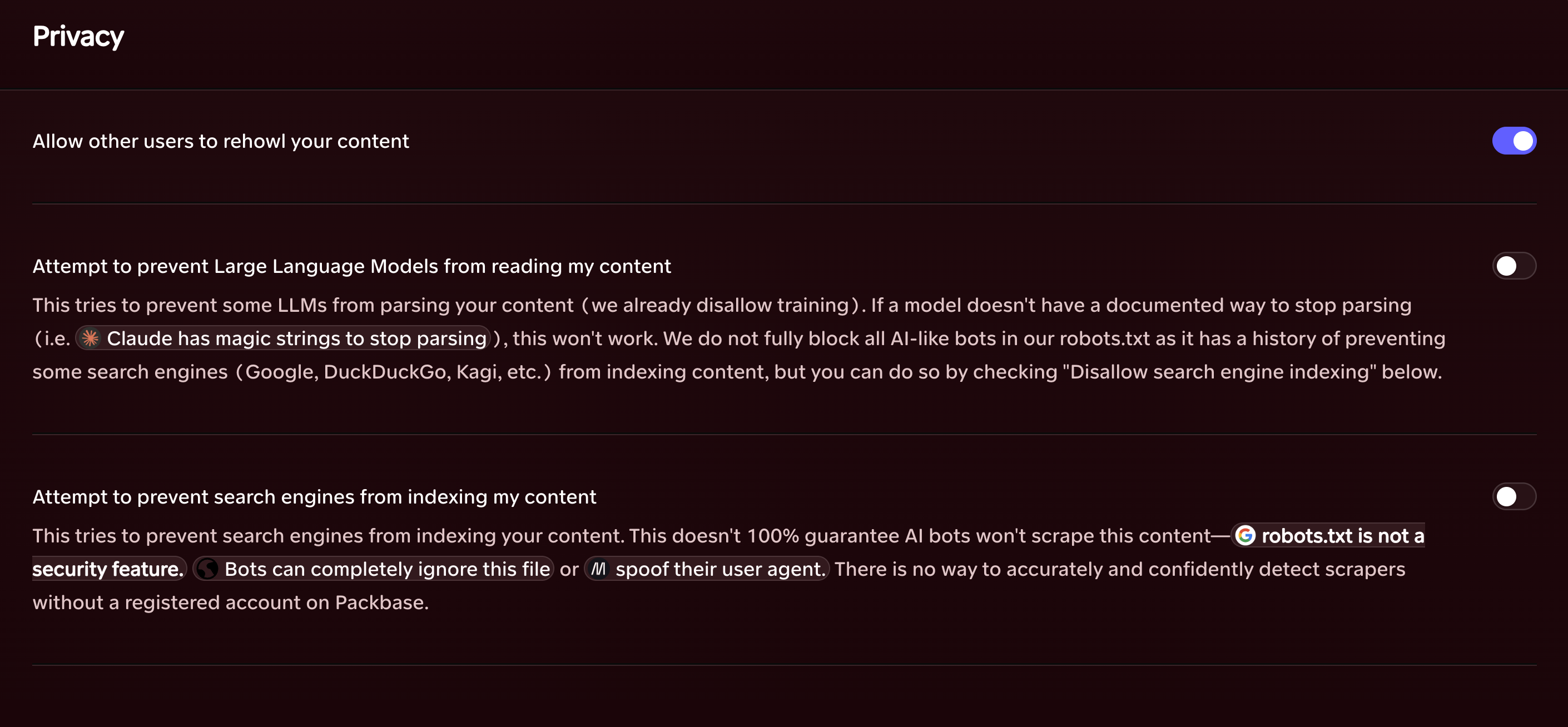
You can control whether other people may rehowl your content, whether LLMs may read it and whether search engines may index it. Training on Packbase content is still banned separately. That part isn't a setting.
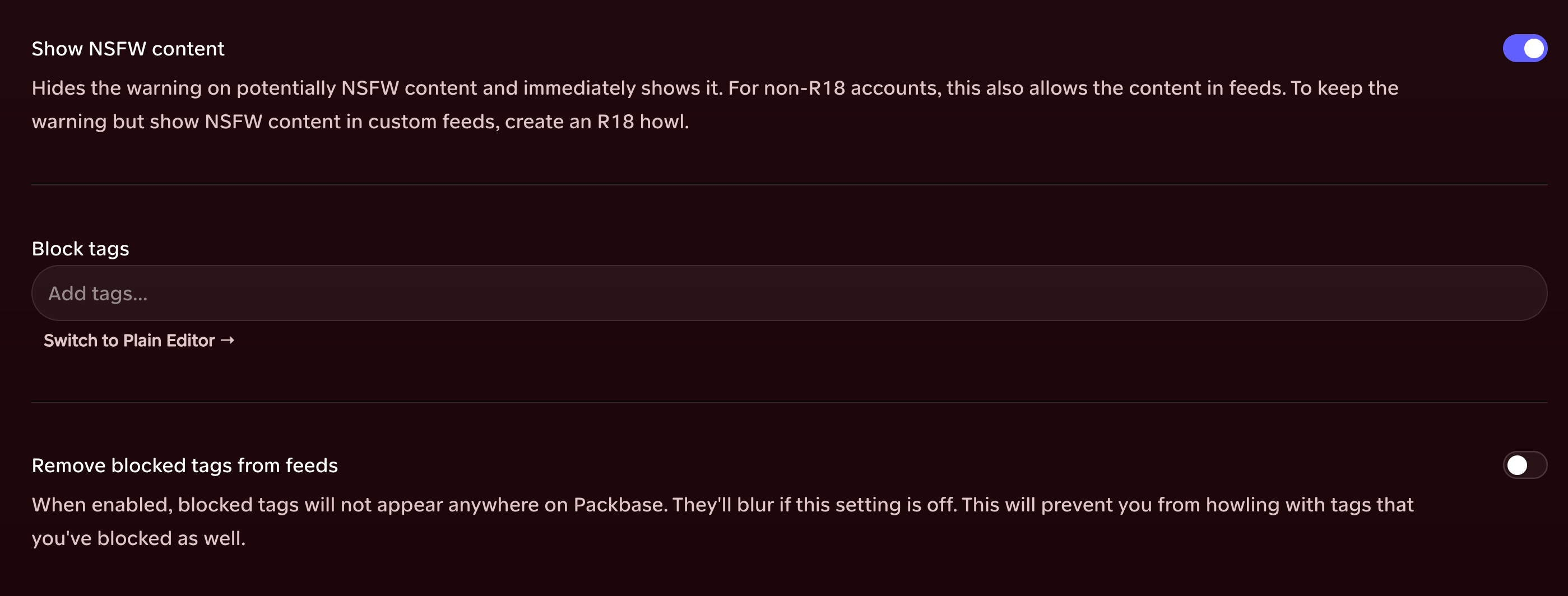
Tag blocking now accepts wildcards. For example, sex* catches sexy, sexual and sex_in_the_city without making you list every variation by hand.
There's more we've missed here, plus a repair list too long to inflict on anybody individually.
Thanks for using Packbase. 'Til next time.